
Description
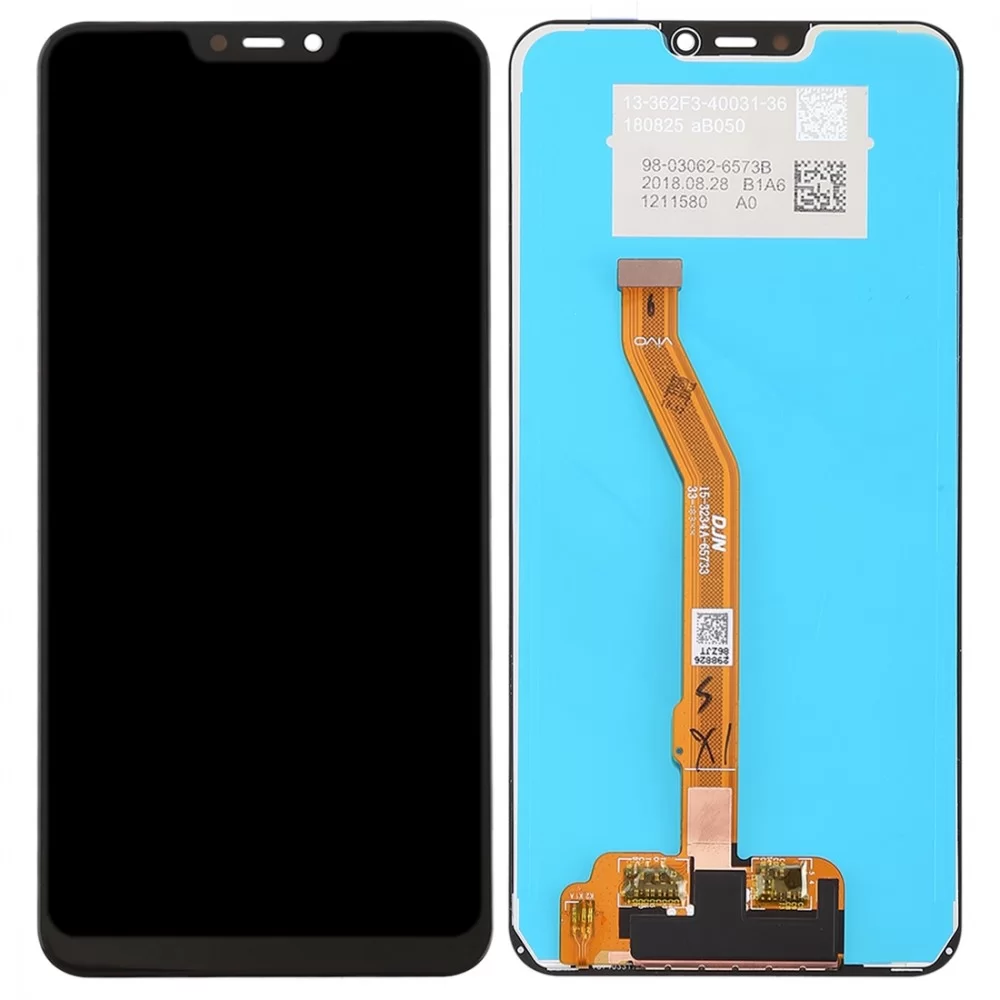
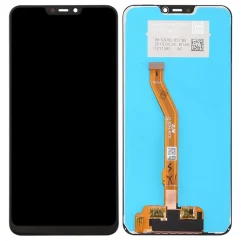
Vivo Y81 Folder (Black)
Is your Vivo Y81 display broken? Buy the Complete LCD with Touch Screen for Vivo Y81 – Black and replace your broken, cracked, or scratched screen. 100% perfect fit with high build quality. Replacing the display for your handset is the easiest, with minimal technical know-how.
- The easiest part type available to replace the Vivo Y81 Black in your handset, requiring minimal technical knowledge.
- quality product 100% perfect fit.
- Complete display combo with LCD screen and digitizer touch screen.
- 100% Tested before shipping.
The Vivo Y81 Folder (Black) is a complete display assembly, often referred to in the repair industry as a “combo.” It consists of the LCD screen and the touchscreen digitizer pre-bonded into a single replacement unit. This is the standard part used to fix cracked glass, display bleeding, or unresponsive touch.
Technical Product Description
Integrated Unit: A unified assembly where the IPS LCD panel and capacitive touch glass are fused together to prevent dust entry and maintain a slim profile.
Visual Specifications: Features the original 6.22-inch screen size with a resolution of 720 x 1520 pixels (HD+) and a 19:9 aspect ratio.
Bezel Color: The Black version is designed to match the front frame of all Vivo Y81 color variants (Black, Gold).
Touch Performance: Engineered to provide high-sensitivity response, supporting multi-touch gestures and original-like scrolling fluidity.
Connectivity: Includes a precision ribbon flex cable with a gold-plated connector for a secure, solder-free link to the motherboard.
Compatibility: Specifically designed for Vivo Y81 (Model 1803 / 1808). It is also cross-compatible with the Vivo Y81i and Vivo Y83 in most cases.
Recommended Replacement Options
The Vivo Y81 Display With Touch Screen Black is a high-quality OEM-grade replacement. It is manually tested for color accuracy, brightness, and touch response before shipping, ensuring it performs nearly identically to the factory-original screen.
For a more premium choice, the sparewala IPS LCD Mobile Display for Vivo Y81 is a trusted branded option. It is known for its superior durability and precise fit, often preferred by technicians for its reliable “click-in” installation and crisp HD visuals.
Critical Installation Tips
The “Dry Test” Rule: Connect the folder to the motherboard and test all touch points and brightness levels before applying adhesive. Removing protective films or applying glue usually voids the warranty.
Frame Cleaning: Ensure the middle frame is completely free of old glue and glass shards. Use T-7000 (Black) adhesive for a professional, light-tight seal.
Safety First: Always disconnect the battery flex before installing the new screen to prevent electrical shorts on the motherboard.
Fragile Handling: Avoid bending the display flex cable more than 90 degrees, as the internal copper tracks are paper-thin and can break easily.
rishibabu58800 –
nice product