
Description
Product Details :- Vivo Y71 On-Off Patta
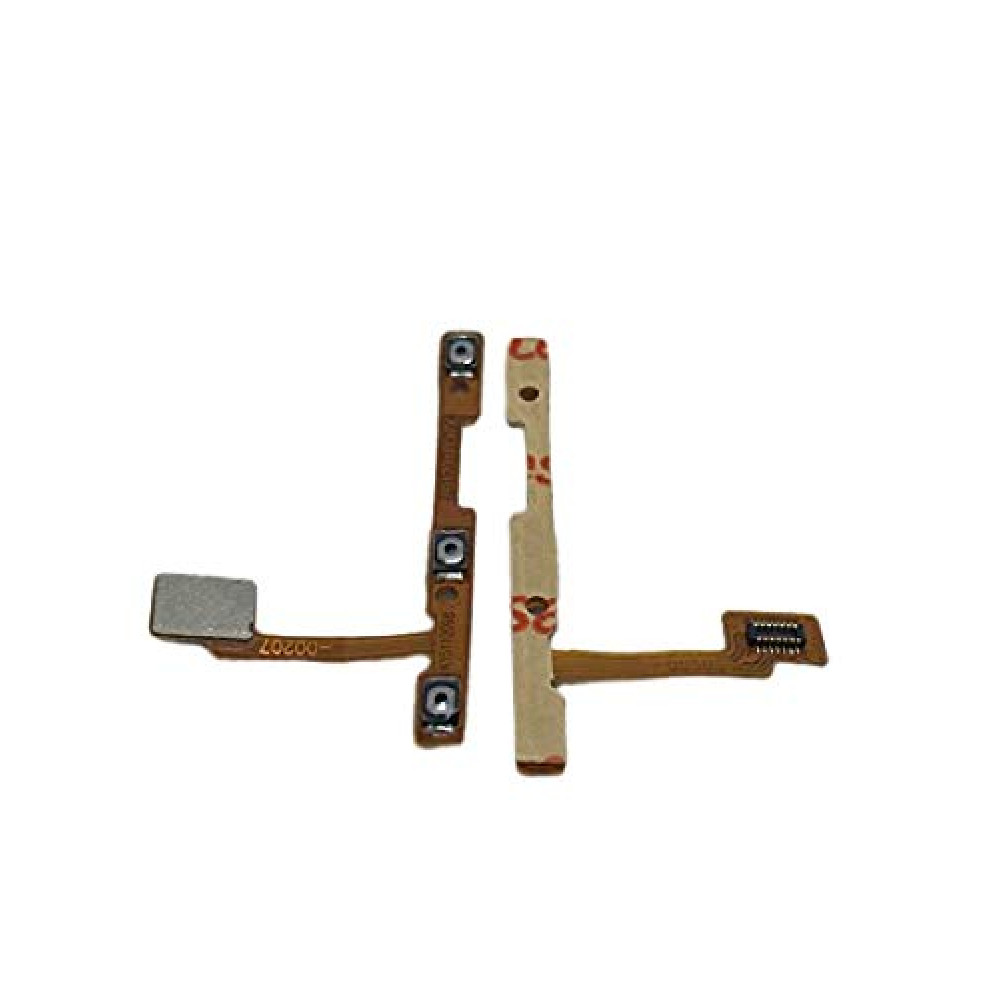
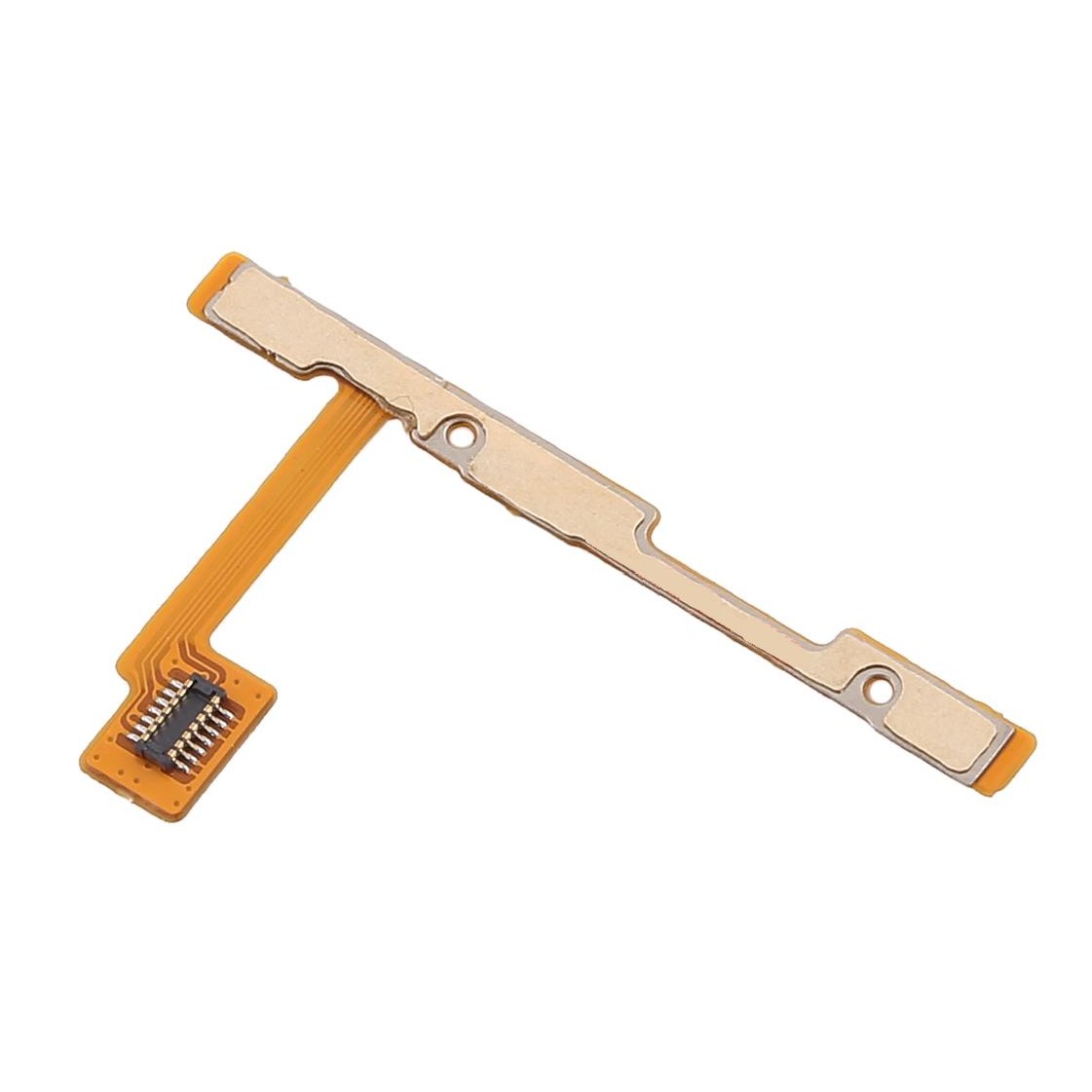
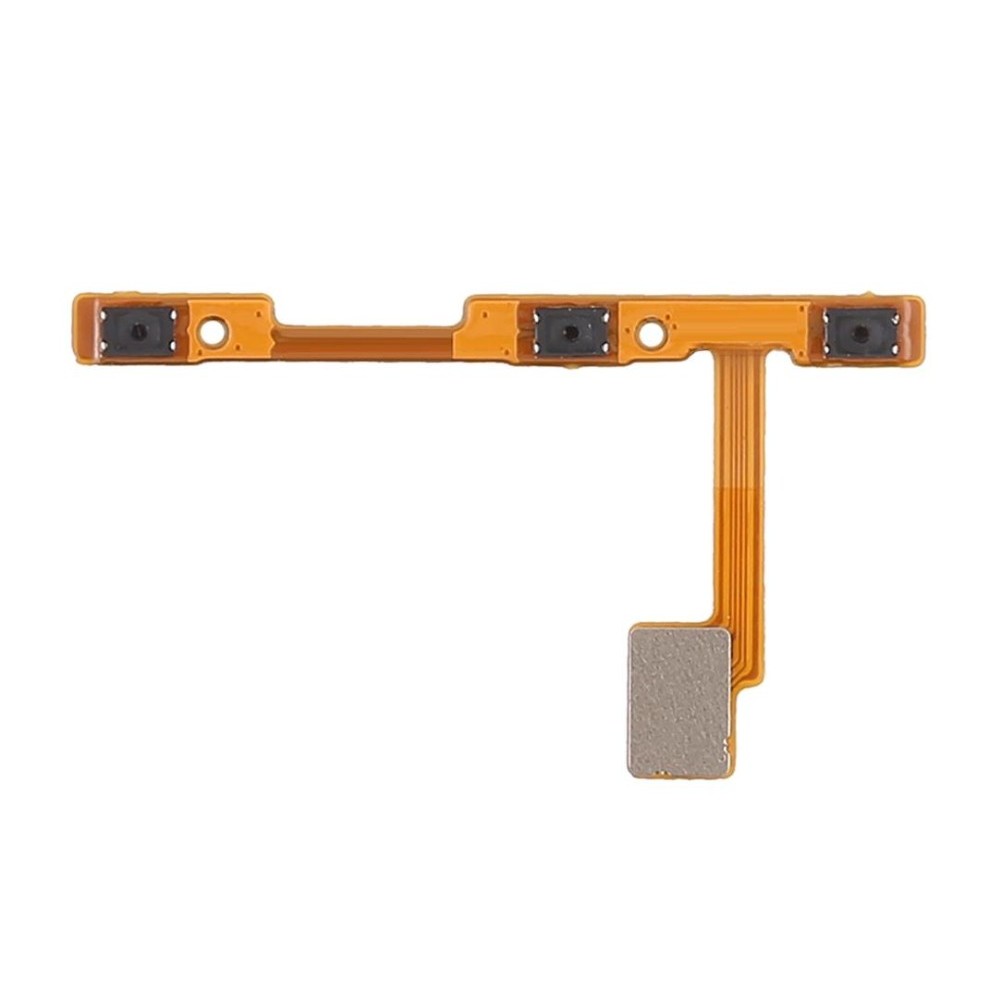
Replace your broken or damaged Power key Flex Cable with a brand new replacement Power key Flex Cable for Vivo Y71 .
- Manufactured using high quality and extremely durable materials.
- Perfect replacement for the original power key flex cable .
- Specifically manufactured for the Vivo y71, precision machining ensures a perfect fit on the cell phone.
- High quality OEM product, each piece is tested and quality checked before shipping.
- This part is non-returnable, so please ensure you are purchasing the correct and appropriate part for your specific device.
- Image shown is for presentation purposes only, actual product may vary from the one shown in the image.
The Vivo Y71 On-Off Patta (Power and Volume Flex Cable) is a critical internal component that manages the phone’s physical side buttons. This ribbon cable connects the power and volume switches to the motherboard, restoring functionality if your buttons are unresponsive, stuck, or mushy.
Technical Product Description
Integrated Controls: A single unified flex strip containing the micro-switches for the Power Button, Volume Up, and Volume Down.
Tactile Feedback: Specifically engineered to restore the original “clicky” feel of the buttons, resolving issues where the buttons feel “dead” or fail to respond.
Material: Constructed from high-quality Flexible Printed Circuit (FPC), designed to withstand frequent mechanical stress and the internal heat of the device.
Connector Type: Features a high-precision, gold-plated connector for a stable, solder-free link to the motherboard logic board.
Multi-Function Support: Enables essential system actions like waking the screen, taking screenshots, and entering Recovery/Fastboot mode.
Recommended Replacement Options
The Power Button Flex Cable for Vivo Y71 is a high-quality OEM-grade replacement designed for an exact fit. It is thoroughly tested for continuity and switch responsiveness before shipping, making it a reliable choice for professional repairs or DIY fixes.
Critical Installation Tips
Test Before Fixing: Always perform a “dry test” by connecting the flex to the motherboard and testing button functionality before applying adhesive or closing the phone.
Handle with Care: These cables are paper-thin. Avoid sharp bends or twisting, as the internal copper tracks can break easily.
Safety First: Ensure the battery is disconnected before starting the installation to prevent any electrical short circuits on the motherboard.
Professional Recommendation: Since replacing this part requires opening the phone’s back panel and navigating internal components, professional installation is advised to minimize the risk of damage.



rishibabu58800 –
nice product